Starvard University · No-Code
Build software without coding. Automate the boring parts of your job with tools that turn ideas into working systems in an afternoon.

The whole course in brief
The twelve lessons
Lesson 1
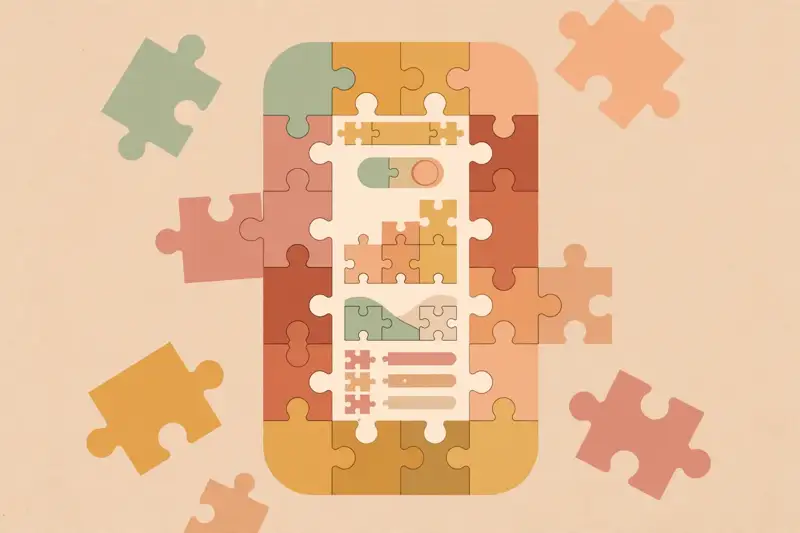
No-code tools let you build software by arranging visual blocks instead of writing code: drag a form here, connect it to a database there, set a rule for what happens on submit. Underneath, it is still code. You just do not write it. You assemble it.
This is not a toy category anymore. Real businesses run on no-code: booking systems, customer portals, internal dashboards, entire startups' first versions. The tools matured from simple page builders into genuine application platforms.
The mindset shift matters more than any tool. Stop asking "can I build this?" and start asking "which blocks do I snap together?" Most business software is forms, lists, and notifications in a trench coat. No-code handles that beautifully.
Lesson 2
The landscape splits into builders and connectors. Builders make things: website builders for pages, app builders for web and mobile apps, database tools for structured data. Connectors move data between tools: when a form submits, add a row, send an email, ping a chat channel.
You do not need to learn them all. Pick one builder and one connector and go deep. The patterns transfer: every automation tool has triggers and actions, every app builder has data plus screens plus logic. Depth in two tools beats tourism in twenty.
Lesson 3
Every automation follows one pattern: when a trigger happens, run actions, optionally with logic in between. Trigger: a new form submission. Actions: add a row to the tracker, send a confirmation email, notify the team. Logic: if the deal is large, also alert the manager.
Triggers are events: new email, new row, new sale, a schedule like every Monday at 9am. Actions are the work: create, update, send, notify. Logic is the branching: filters that say "only continue if," paths that split by condition. Three concepts, infinite automations.
Sketch every automation on paper before touching a tool. Trigger at the top, actions below, logic as branches. Ten minutes of sketching saves an hour of rebuilding. The tool is the easy part. The thinking is the work.
Lesson 4
Build the classic: a contact form that notifies you. Trigger: form submitted. Actions: save the response to a table, email yourself the details, send the visitor a confirmation. Thirty minutes, three tools or fewer, and you have a real system doing real work.
Test it like a skeptic. Submit the form yourself, check every step fired, confirm the data landed correctly. Then break it on purpose: submit with missing fields, submit twice fast. Automations fail at the edges, so test the edges.
This one automation teaches the whole discipline: pick a pain, sketch the flow, build small, test honestly. Everything bigger is this same loop with more steps.
Lesson 5
Most no-code apps sit on a friendly database: tables that look like spreadsheets but act like databases, with linked records, views, and forms built in. Customers table, orders table, linked together. This is the backbone of nearly every no-code system.
Design the data before the screens. List the things you track, the fields each needs, and how they relate. Customers have many orders. Orders contain many products. Get the relationships right and the app practically builds itself. Get them wrong and everything fights you.
Lesson 6
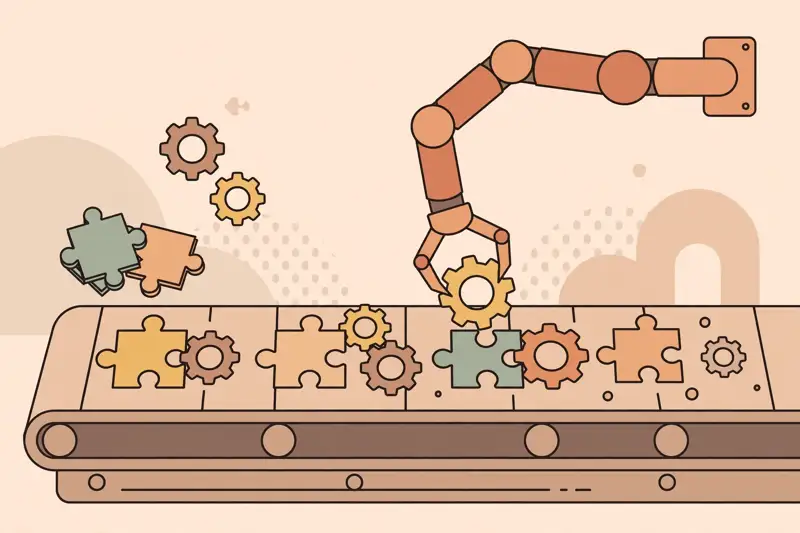
A landing page builder plus an afternoon is all it takes to be live: headline, benefits, social proof, one clear call to action, a form. Connect the form to your automation from lesson 4 and you have a lead machine running while you sleep.
Resist the urge to perfect it. Publish the simple version, send it to ten people, and watch what happens. Real feedback beats another hour of font tweaking. The page that exists converts infinitely better than the perfect page in your head.
Every page needs measurement from day one: how many visitors, how many conversions. Without numbers you are guessing. With them, every tweak is an experiment instead of an opinion.
Lesson 7
Forms are where the outside world enters your system, and workflows are what happens next. A job application form triggers review tasks, interview scheduling, and status emails. An order form triggers fulfillment, invoicing, and follow-up. The form is the front door. The workflow is the house.
Design the workflow backward from the outcome. What is the finished state? What steps get there? Who needs notifying at each step? Then build forward. Backward design keeps automations focused on results instead of growing into spaghetti.
Document every workflow you build: what triggers it, what it does, where it can break. Future you, or the person you hand it to, will need that map. Undocumented automation is a mystery box that breaks at the worst moment.
Lesson 8
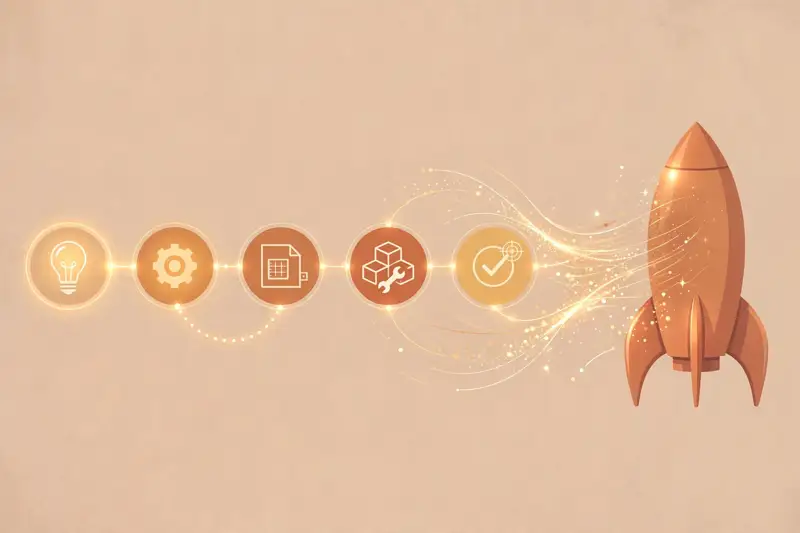
AI inside automations is a genuine superpower. A form submission gets summarized by AI before it hits your inbox. Support emails get drafted automatically for your review. Product descriptions get written from a spec sheet. The automation moves the work. The AI does the thinking.
Lesson 9
Look at your week and find the repeating tasks: the report you compile manually, the data you copy between systems, the reminders you send by hand, the onboarding checklist you run from memory. Each one is an automation candidate. Rank them by time spent times frequency, and attack the top of the list.
Start with the winner and build it properly: trigger, actions, logic, tests, documentation. Measure the time saved. One solid automation that saves five hours a week is worth more than ten half-built ones. Then move down the list.
Tell your manager what you built, with the hours attached. Automators get noticed because they multiply team output. The person who eliminates busywork becomes the person trusted with bigger work.
Lesson 10
No-code is fast until it is not. Complex business logic, unusual requirements, and high scale eventually strain visual builders. Costs can surprise you: per-action pricing means a successful automation gets expensive exactly when it works best. And you are renting, not owning: if the platform changes prices or features, you adapt or rebuild.
Know the exit signs. When an automation needs workarounds stacked on workarounds, when the monthly bill rivals a developer's hour, when you need something the platform simply cannot do: that is the moment code becomes the right tool. No-code and code are allies, not enemies.
The honest framing: no-code is the fastest path from zero to working for most business problems. It is not the final answer to every problem. Use it where it shines and graduate where it does not.
Lesson 11
Businesses drown in busywork and will pay to make it disappear. The pitch writes itself: find a painful manual process, build the automation, charge a setup fee plus monthly maintenance. You are selling hours back, which is easy to price against.
Start with businesses you can reach: local companies, freelancers drowning in admin, teams inside bigger companies. Audit one process for free, show the before-and-after math, and quote the project. One good case study, with hours saved, sells the next five clients.
Lesson 12
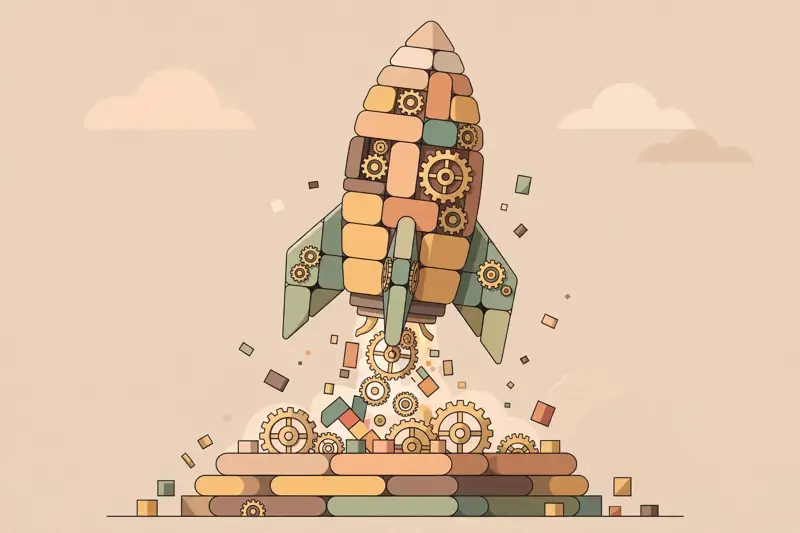
You can now build apps, automate workflows, and sell the skill. Where you go next depends on what pulled you here. Builders go deeper: bigger apps, client work, maybe a product of your own. Automators go wider: more tools, team workflows, operations roles. The curious learn a little code, which multiplies everything no-code taught you.
Whatever direction you pick, keep shipping. One automation a month keeps the skill sharp and the portfolio growing. The field moves fast, but the fundamentals, triggers, actions, data design, do not change.
The real lesson of no-code was never about the tools. It is that builders ship. You are a builder now. Act like one.
Graduation
No-code turned software from something you commission into something you assemble. You know the tools, the trigger-action-logic pattern, data design, AI pairing, the honest limits, and how to sell the skill. The boring parts of work do not stand a chance anymore. Go automate something this week.
Keep learning
This course is part of Starvard University, striving for greatness.
A note on accuracy: Much of what you read at Starvard was created with help from AI agents, working alongside people. We check what we can, but we cannot guarantee that everything here is true, current, or complete. If something really matters, your health, your money, a grade, a job, please verify it with a trusted source before you rely on it.